Dayfold
Import recipes from a link or screenshot with AI, track calories by scanning labels, and keep habits, water and tasks on one timeline.
- Platform
- iPhone
- Status
- App Store
- Built with
- SwiftUI, SwiftData, WidgetKit
Overview
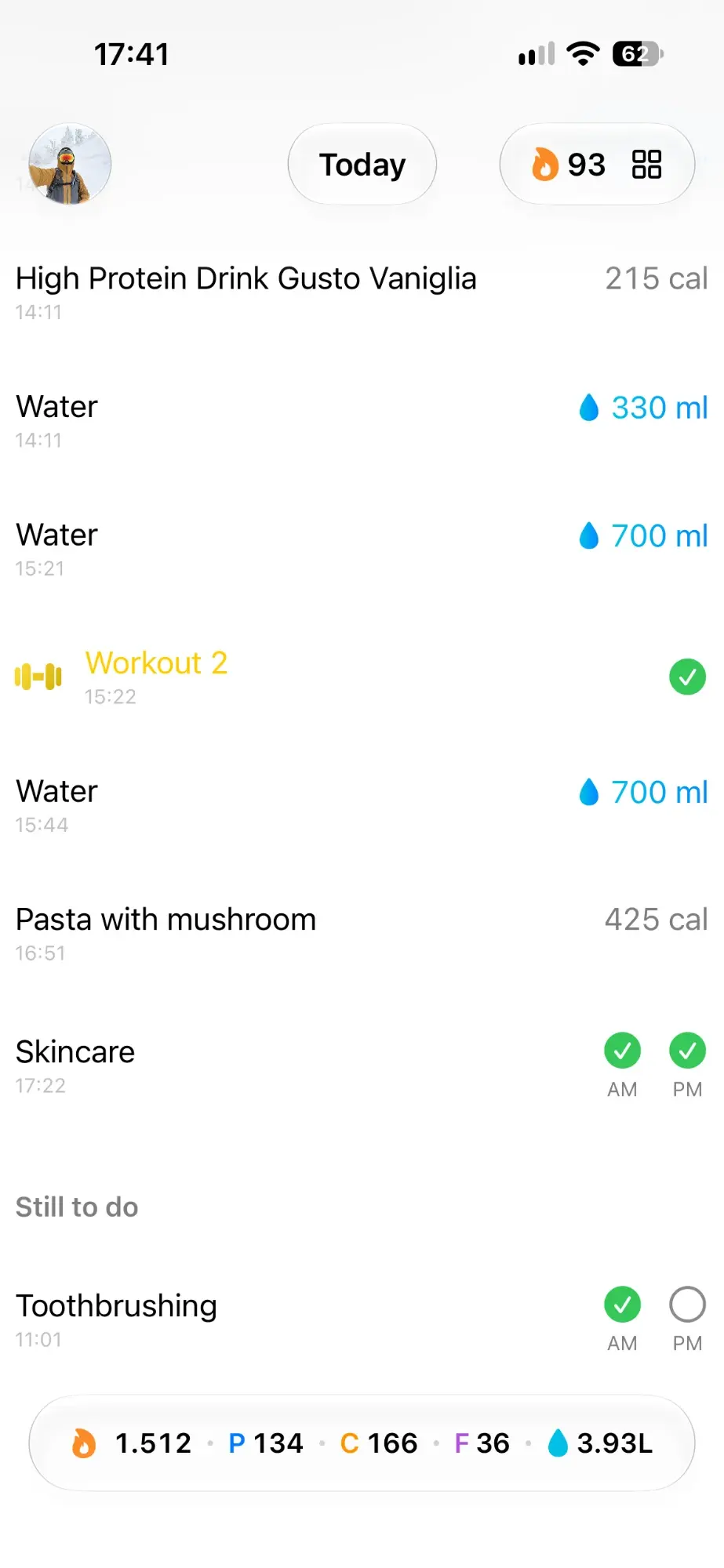
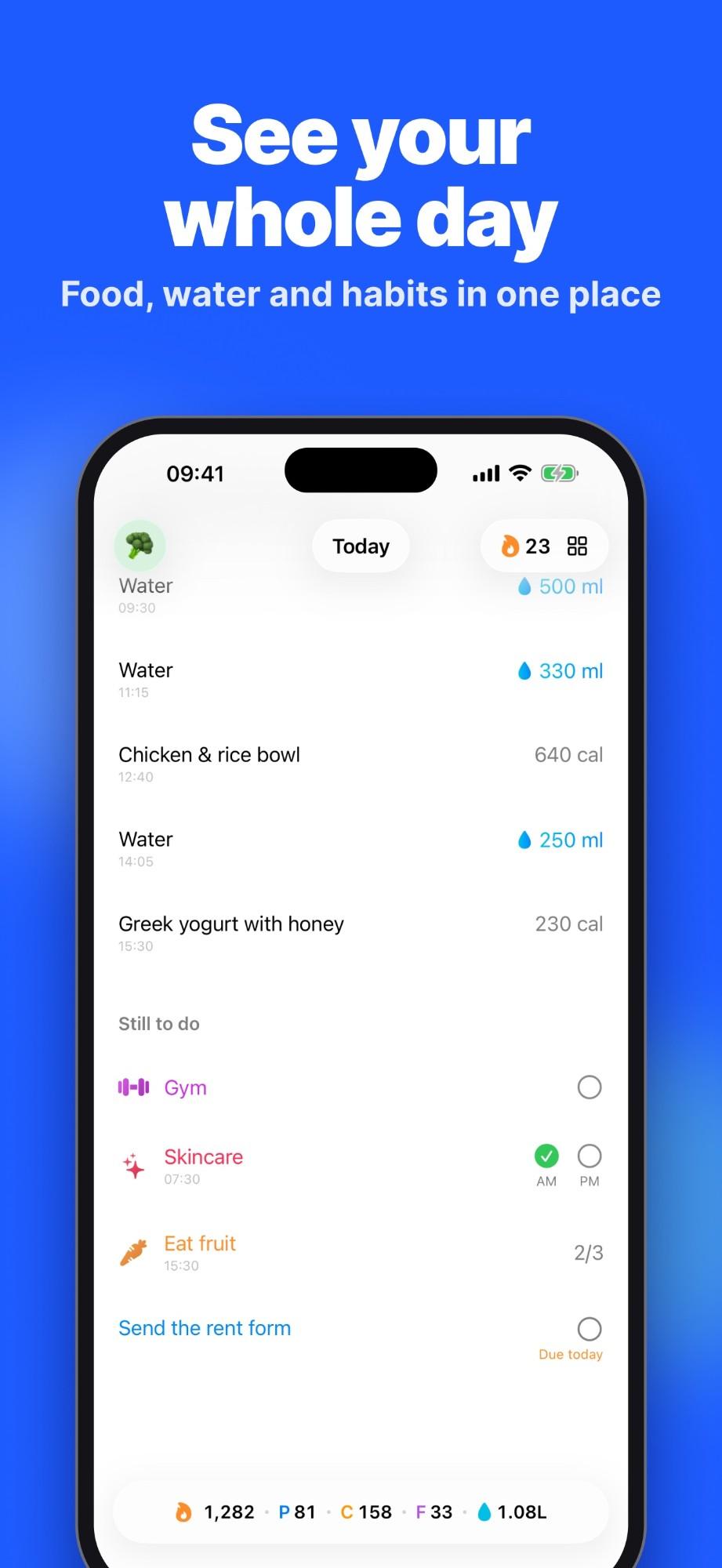
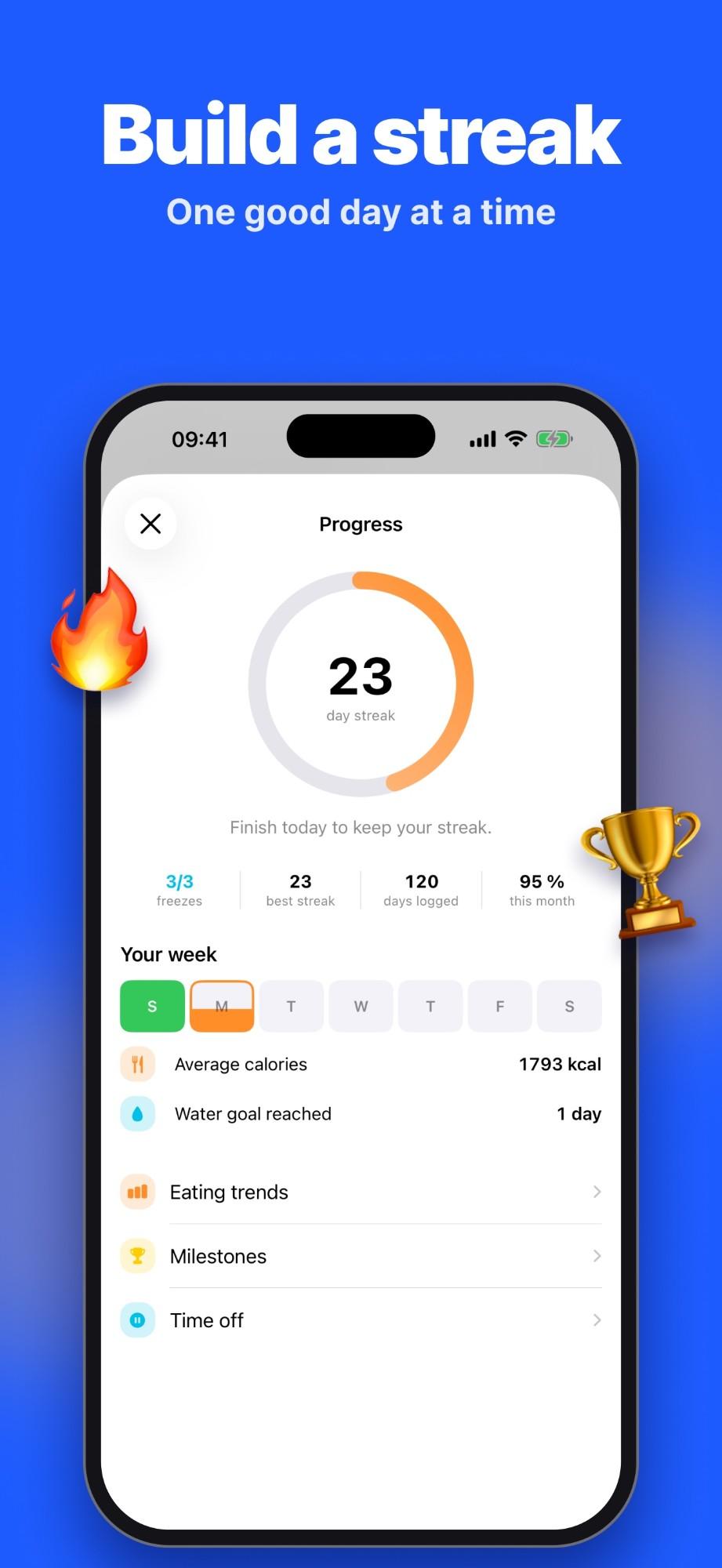
Dayfold started as a reminders app and grew into a personal life tracker. Instead of a tab for every area, each day is one simple page: what you ate, what you drank, which habits you did and which tasks are due.
On the App Store
Features
- 01
One day timeline
Food, drinks, habits, due tasks and calendar events in a single list, with a swipeable calendar to move between days.
- 02
Recipes from anywhere
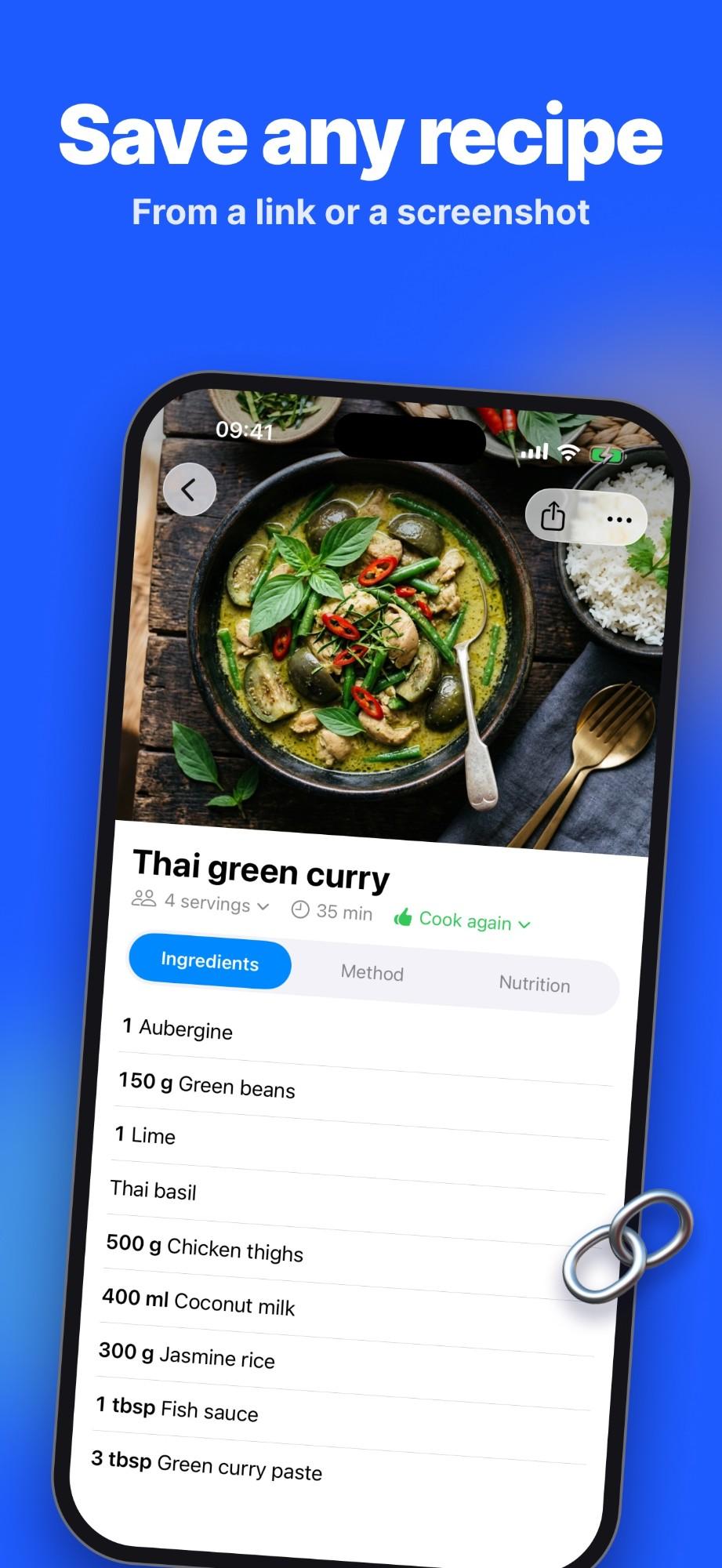
Paste a link or add screenshots and AI turns them into a clean recipe, with a cook mode and a shopping list.
- 03
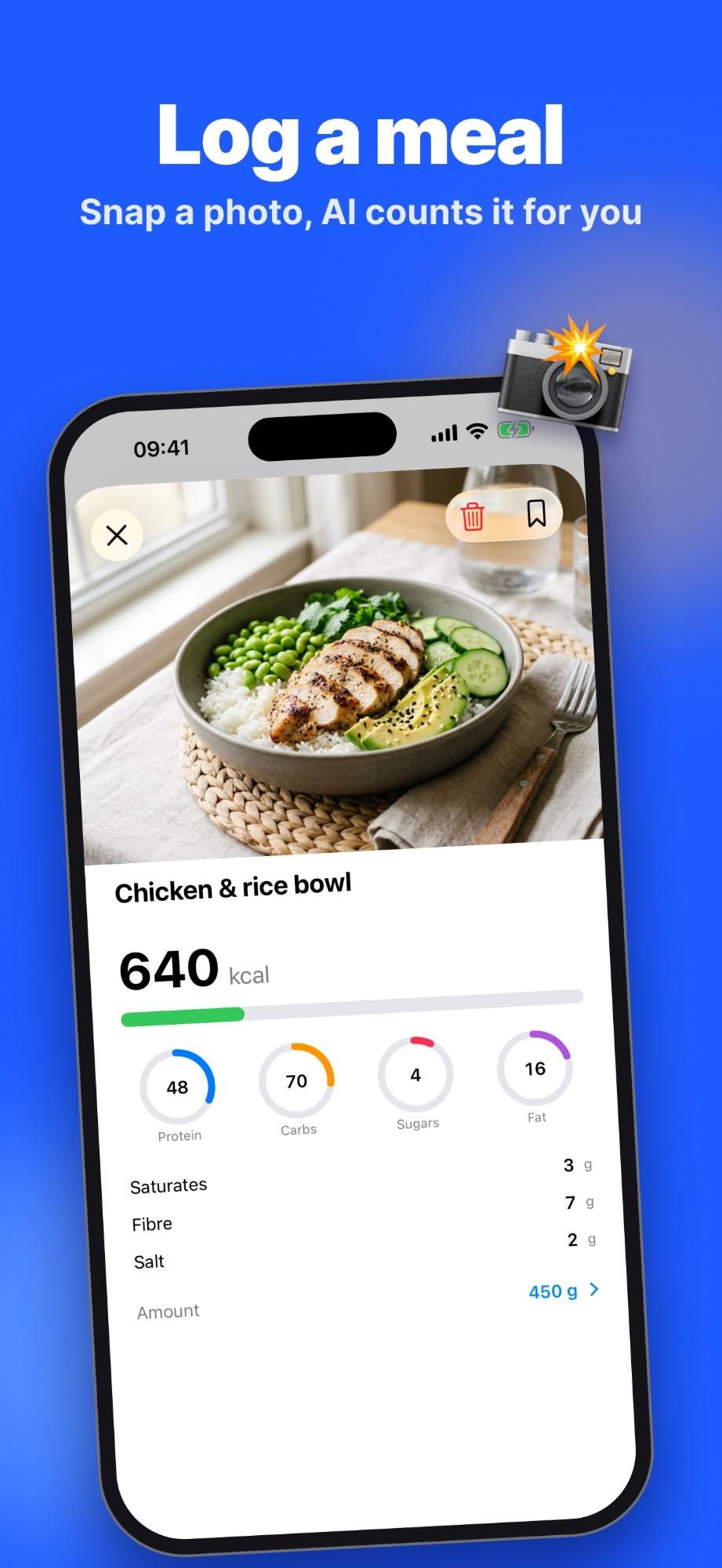
Calories without typing
Scan a nutrition label or take a photo of your plate.
- 04
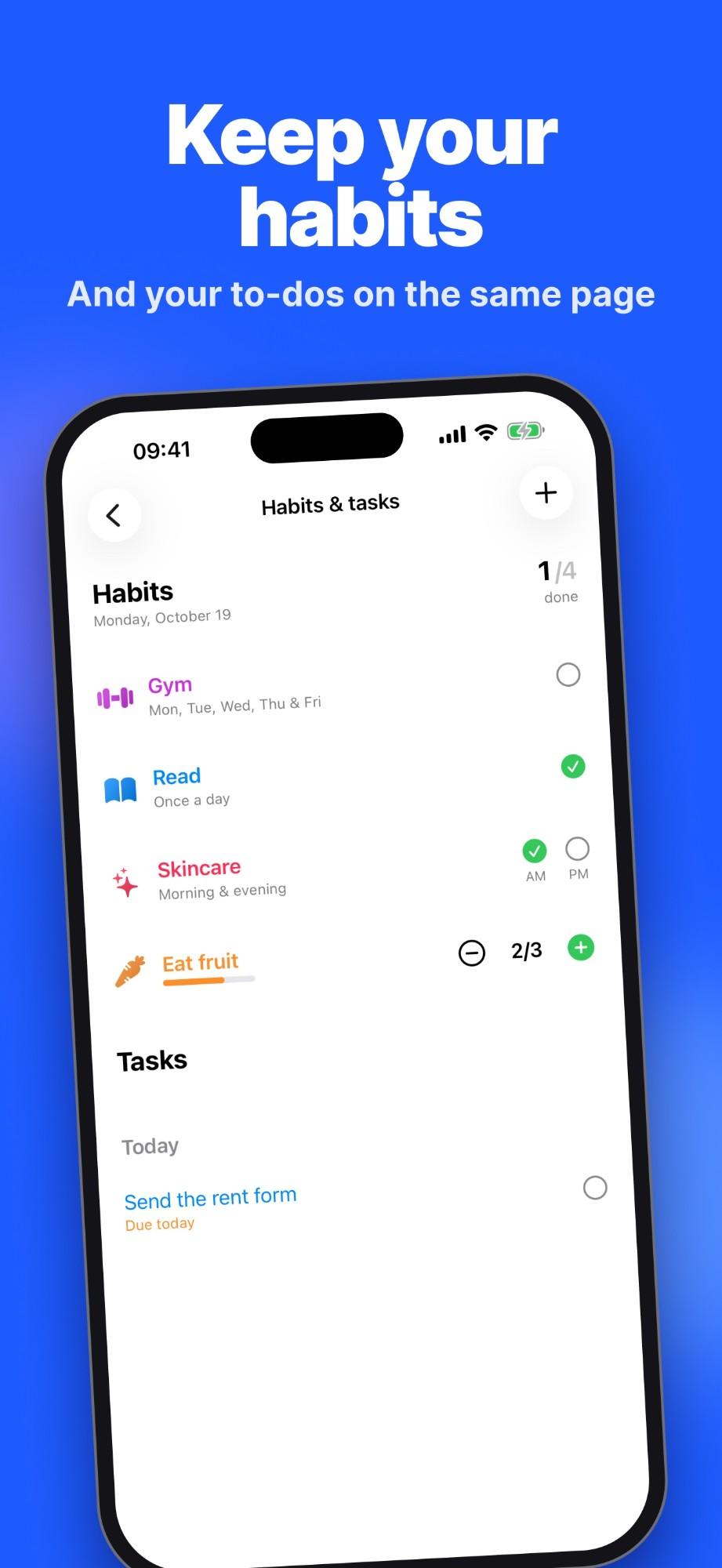
Habits that tick themselves
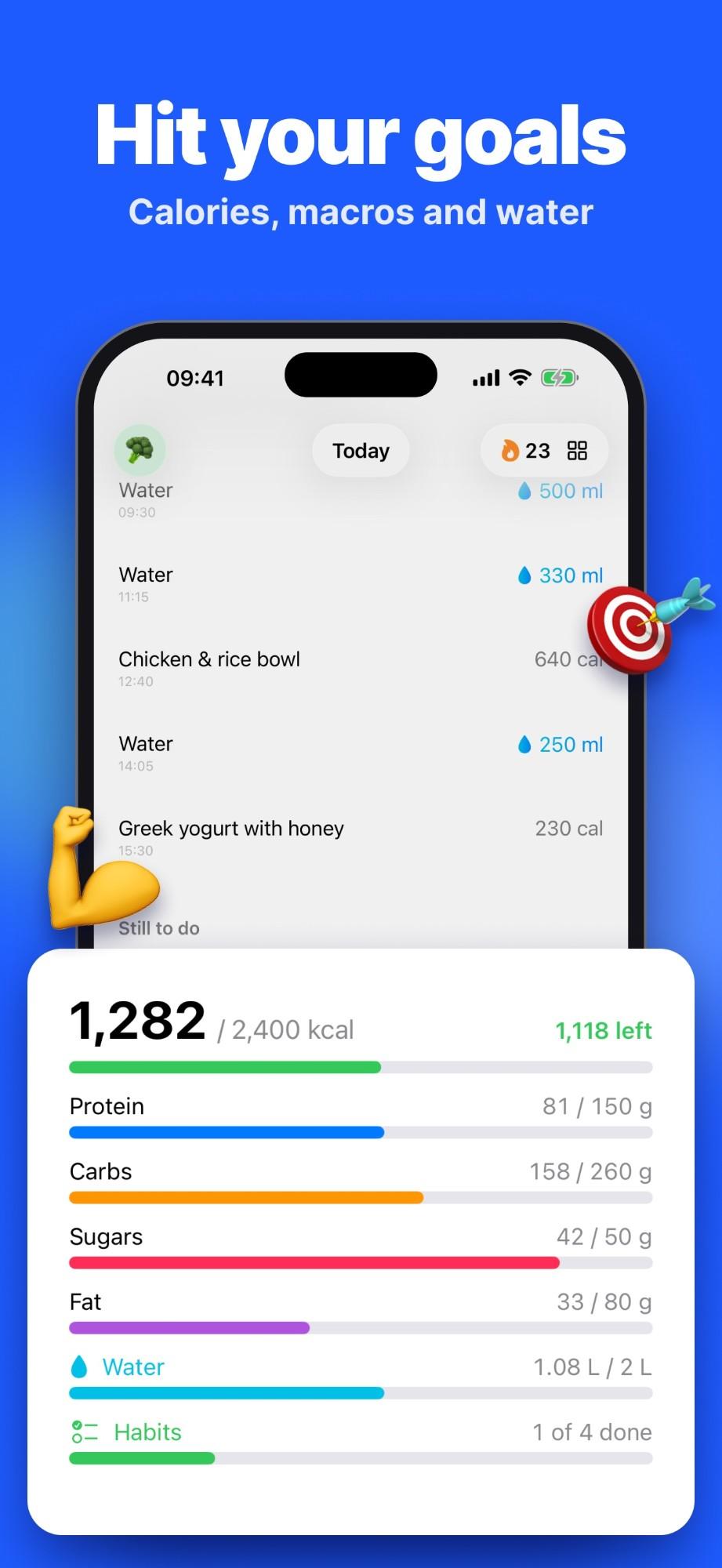
A habit completes on its own, for example when you reach your water goal.
- 05
Widgets and Siri
Home screen widgets and Siri shortcuts for logging water and checking progress.
Tech and tools
One shared store
SwiftUI with a single SwiftData store for every part of the day.
Reads labels on device
Vision text recognition first, with Gemini as a fallback.
Widgets, Siri and sharing
WidgetKit widgets, App Intents for Siri and a share extension.
Goals with dates
Changing a target never rewrites the days before it.